
Screen Time · 5 min read
Screen Time Without the Fight
Set clear play windows, build healthy breaks, and make transitions easier after games.
Why this matters
Transitions are easier when the stopping point is concrete before play begins: one level, two rounds, or the end of a lesson. A visible endpoint is clearer than a surprise demand to stop now.
Difficulty stopping can come from unfinished goals, intense emotion, or a game without natural breaks. Observe the cause before treating every protest as the same problem.
A practical family routine
- Choose the game and stopping point together.
- Give one calm reminder near the agreed endpoint.
- Save or finish only what the agreement allows.
- Move directly into a known next activity.
The routine is meant to be small enough to use during ordinary family life. Try it once, notice what helped, and change the parts that did not fit the child, device, or game.
Questions that open a conversation
- What counts as finished in this game?
- How will we know it is time to stop?
- What do you want to do after the screen?
Ask one question at a natural pause rather than turning the entire play session into an interview. Specific observations are more useful than praise or criticism aimed at the child.
Kid version
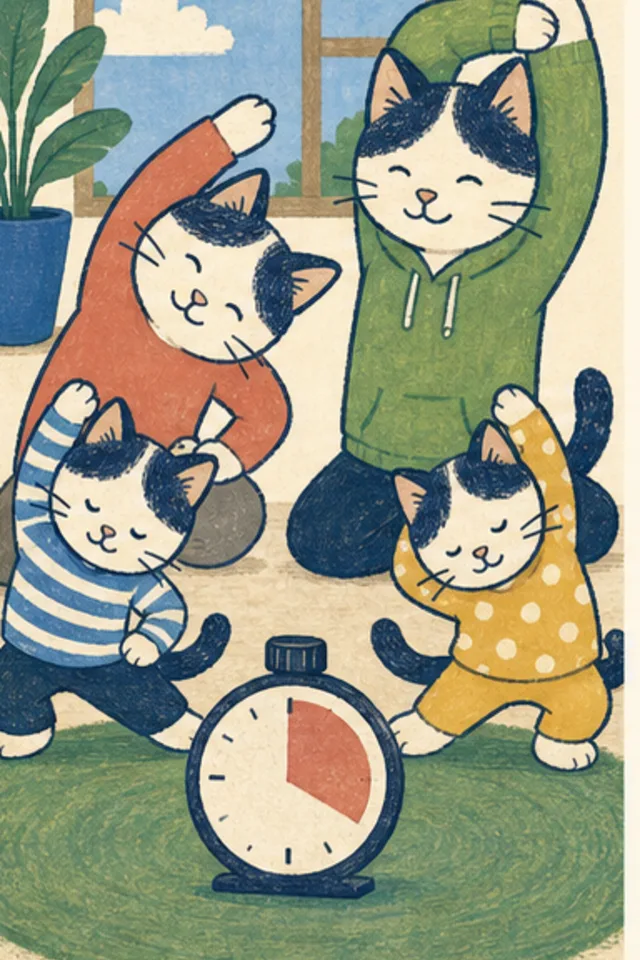
Pick your stopping point before you start. When you reach it, save if you can, close the game, stretch, and move to the next thing.
If you make a mistake, tell a trusted grown-up. Asking for help is the smart move, and private details never belong in an ordinary browser game.
What this guide cannot promise
Families should adapt routines to a child’s needs. Screen habits are not a substitute for medical or developmental advice.
Smart Cat Games connects learning and safety claims to things families can actually observe. This guide is general information, not legal, medical, or diagnostic advice.
Try it together
Choose one step from this page for the next short game session. At the stopping point, each person can name one thing they noticed and one thing they would change next time.
Put it into practice
Related games
Weather Dress-Up Cat
Dress the cat and owner for sunny, rainy, snowy, windy, hot, and stormy weather.