Parent Guide · 6 min read
Safe Browser Games for Kids
What parents can check before a child plays a game in the browser.
Why this matters
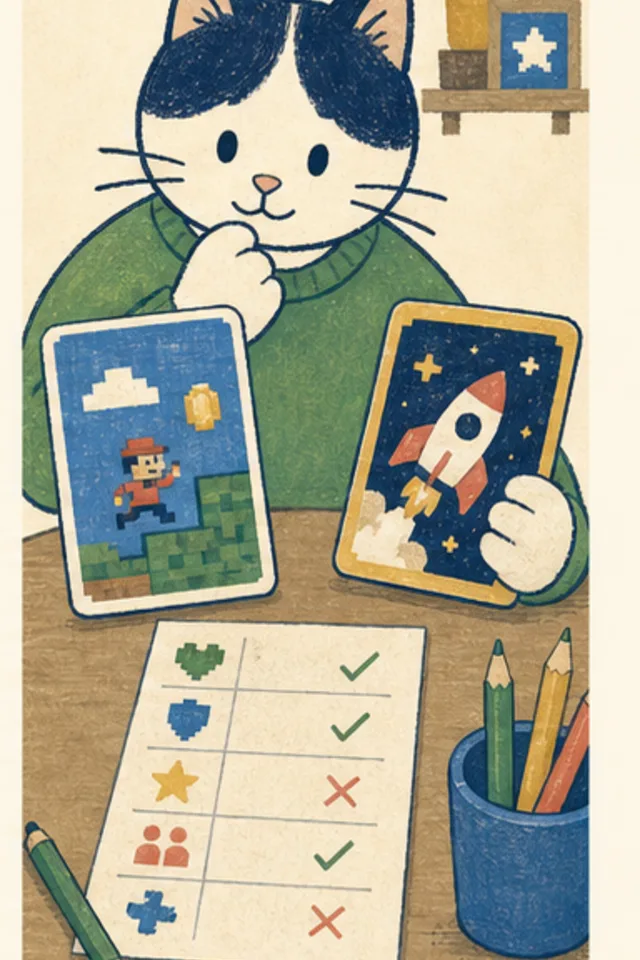
A useful game check looks at the whole experience: who made it, what the child must enter, how ads behave, whether the goal is clear, and whether leaving or pausing is easy.
A polished game can still contain aggressive account prompts or confusing ad placement. Test the first few minutes yourself on the same device the child will use.
A practical family routine
- Open the game from a clean browser tab.
- Check for accounts, chat, uploads, purchases, and permissions.
- Find pause, mute, restart, and exit controls.
- Watch one failure or replay flow for pressure tactics.
The routine is meant to be small enough to use during ordinary family life. Try it once, notice what helped, and change the parts that did not fit the child, device, or game.
Questions that open a conversation
- Can the child start without creating a profile?
- Are controls and ads visually separate?
- Is there a natural stopping point?
Ask one question at a natural pause rather than turning the entire play session into an interview. Specific observations are more useful than praise or criticism aimed at the child.
Kid version
A safe game lets you play without telling strangers about yourself. Ask if you see chat, sign-up, payment, download, camera, or location buttons.
If you make a mistake, tell a trusted grown-up. Asking for help is the smart move, and private details never belong in an ordinary browser game.
What this guide cannot promise
No checklist guarantees a site will never change. Recheck occasionally and keep browser protections updated.
Smart Cat Games connects learning and safety claims to things families can actually observe. This guide is general information, not legal, medical, or diagnostic advice.
Try it together
Choose one step from this page for the next short game session. At the stopping point, each person can name one thing they noticed and one thing they would change next time.
Put it into practice
Related games
Typing Cat
Catch birds, defend jungle huts, and build keyboard confidence with kid-sized typing lessons.