
Parent Guide · 7 min read
Accessibility Settings for Young Players
Check motion, sound, contrast, text, timing, and input options before a play session.
Why this matters
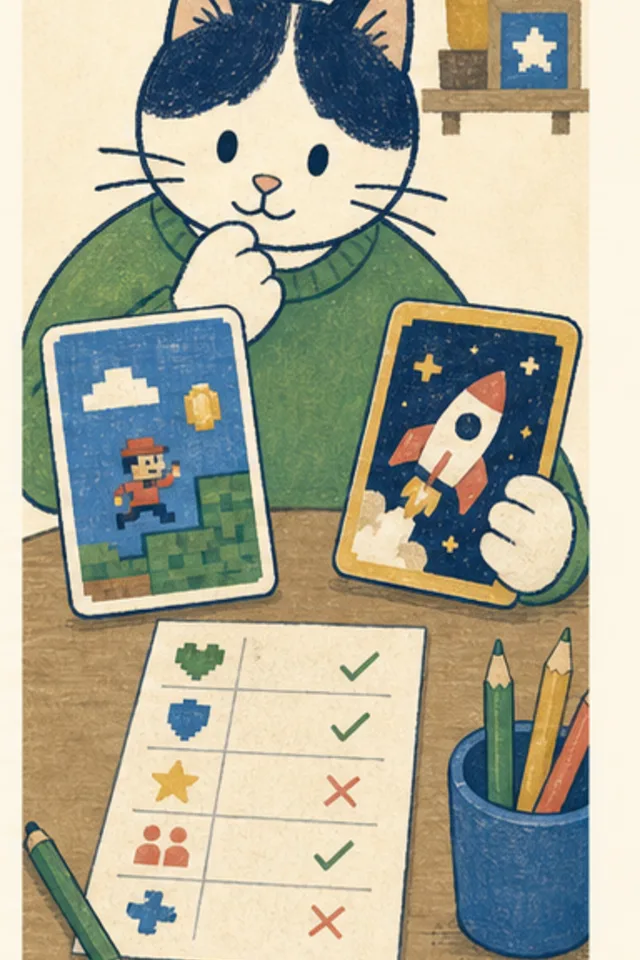
Useful accessibility checks include text size, contrast, color-independent symbols, sound alternatives, motion reduction, timing pressure, focus order, and multiple input methods.
Ask the player what feels hard to see, hear, follow, or control. Do not assume one preset works for every child or every day.
A practical family routine
- Turn on reduced motion and verify the game remains clear.
- Mute audio and check that objectives and feedback stay understandable.
- Navigate menus with a keyboard.
- Check that zoom does not hide controls or cause overlap.
The routine is meant to be small enough to use during ordinary family life. Try it once, notice what helped, and change the parts that did not fit the child, device, or game.
Questions that open a conversation
- Which effect helps and which distracts?
- Can you tell pieces apart without color?
- Is there enough time to understand the next action?
Ask one question at a natural pause rather than turning the entire play session into an interview. Specific observations are more useful than praise or criticism aimed at the child.
Kid version
Settings are tools, not cheats. Change motion, sound, hints, text, or controls when that makes the game easier to understand and enjoy.
If you make a mistake, tell a trusted grown-up. Asking for help is the smart move, and private details never belong in an ordinary browser game.
What this guide cannot promise
Publishers should describe known limitations honestly and provide a way to report barriers.
Smart Cat Games connects learning and safety claims to things families can actually observe. This guide is general information, not legal, medical, or diagnostic advice.
Try it together
Choose one step from this page for the next short game session. At the stopping point, each person can name one thing they noticed and one thing they would change next time.
Put it into practice
Related games
Whiskerworld
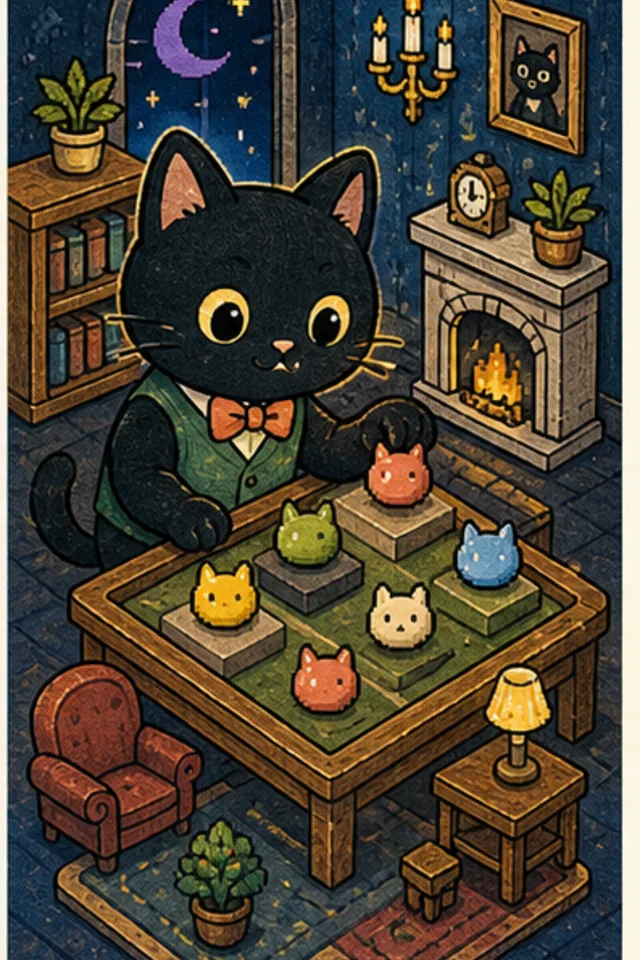
Explore Moonstone Mansion, match six distinct cat treats, open guaranteed furniture parcels, and decorate five interactive rooms across thirty puzzles.

Capital Cat US
Learn all 50 state capitals with explore, quiz, and challenge modes.